Jewel Bank
Keep your jewels as a counter instead of eating up inventory or vault space.
Updated:
Jewels are the game’s real currency, and they fill up your inventory and vault fast. The Jewel Bank fixes that: it keeps your jewels as a number instead of as items.
Opening it
Press N to open the bank. You’ll see one row per jewel type it supports, each with its own counter and buttons to deposit and withdraw 1, 10, 20 or 30 at a time, plus one button to deposit everything at once.
There’s deliberately no “withdraw all” button: pulling out an unbounded pile in one click is the easiest way to flood your own inventory by accident.
Which jewels it holds
The bank supports twenty jewels: the classic Bless, Soul, Chaos, Life and Creation, Guardian, Gemstone and Harmony; the Lower and Higher Refine Stone; and the server’s own Jewel of Evolution, Jewel of Excellent, Jewel of Fortune, Jewel of Luck and the six Jewels of Upgrade (+10 to +15). Since twenty don’t fit on one screen at once, the bank shows five rows per page; use the arrows to page through them.


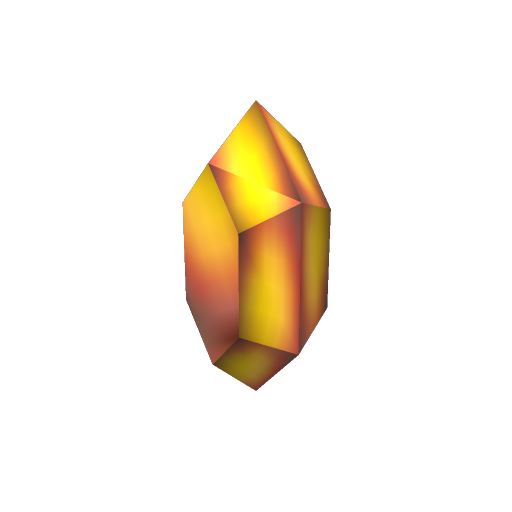
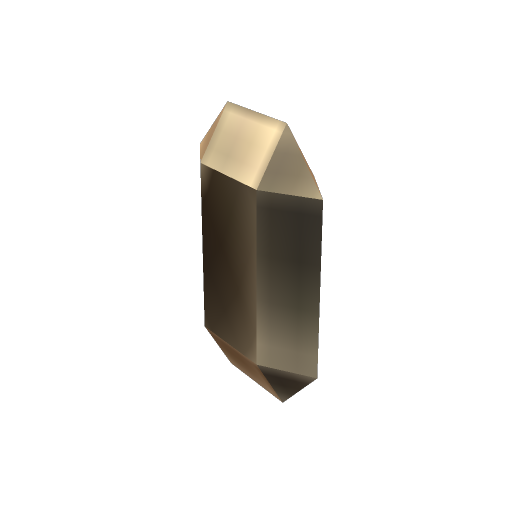


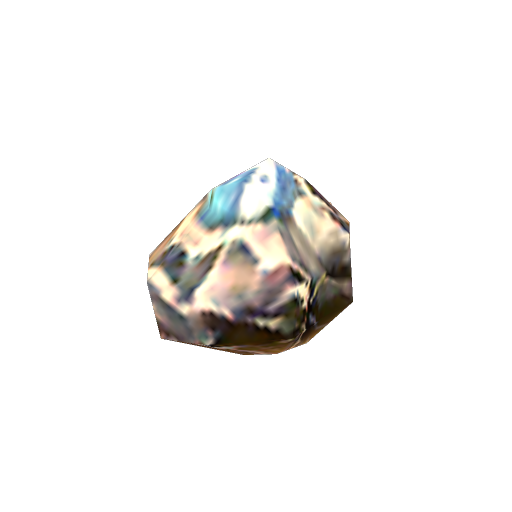
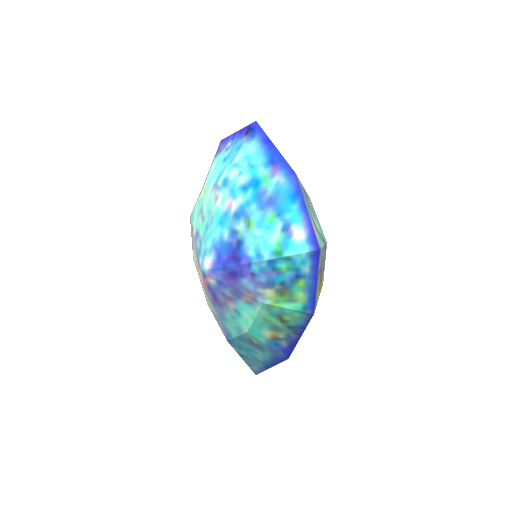



The Lower and Higher Refine Stone aren’t pictured above, but the bank counts them the same way as every other jewel on this list.
Withdrawing in a pack
Withdrawing 10, 20 or 30 of a jewel hands you back a single pack of that amount, taking up one inventory slot instead of a handful of loose jewels. The server’s own jewels (Evolution, Excellent, Fortune, Luck and Upgrade) have no packed form, so you can only withdraw each of those one at a time, but you can still deposit any amount of them.